How to Inventory the AI Agents Running in Your Enterprise
Introduction
Knowing how to inventory AI agents comes down to two moves: discover them continuously wherever they hold access, and record each one as an identity.
Each record names an accountable human owner, who the agent acts on behalf of, its effective permissions, its tool usage and where it runs. One agent deployed in several places counts once.
Teams often start with a spreadsheet or a registration form. Agents typically outrun both, because teams create them faster than anyone assigns owners.
The fix is to treat each agent as an identity, rather than as an asset or a model. That framing gives you an AI agent inventory you can review, certify and act on.
Oak, the AI-native identity operating system, governs human, machine, and AI agent identities on one live graph, so agents join the identities you already govern.
This guide covers what counts as an agent, where to look, what to record, how to count duplicates and how to keep the list current.
Key takeaways
- An AI agent inventory records identities, each tied to an accountable human owner.
- Record who each agent acts on behalf of, plus its effective permissions.
- Count one agent deployed in several places once, as one identity.
- How to inventory AI agents with Oak: continuous discovery on one live graph.
What counts as an AI agent identity
An AI agent identity is any agent that holds credentials, tokens or standing access and acts on your systems. If it can authenticate and act, it belongs in the inventory.
Agents typically arrive in four kinds. SaaS agents come built into applications you license, and homegrown agents are code your teams write and run.
Shadow agents are the ones nobody registered. Custom agents are built and configured on agent platforms, then wired to the tools your teams use.
Shadow AI agents carry particular risk, because they often run on their builder's credentials. An agent on its builder's credentials reaches everything the builder can.
Agents also join a crowded population. The 2026 Identity Security Landscape survey of 2,930 security decision-makers found 109 machine identities per human, and 40% of machine identities with access to organizational data.
That makes the agent inventory an identity problem first. Oak governs every AI agent like it governs people, on one live graph covering human, machine, and AI agent identities.
Where AI agents surface in your environment
Agents surface wherever they authenticate. Start your AI agent discovery at identity surfaces, because a model catalog lists what was built while the identity layer shows what can act.
Check these surfaces first:
- OAuth apps granted consent in your SaaS tenants, often by a single user.
- Service principals in your cloud directories, created for agent workloads.
- MCP servers that expose tools, and the credentials those tools run on.
- Agent platforms such as AgentCore, where teams build and deploy custom agents.
- Homegrown code running on its builder's keys, in repositories and pipelines.
Manual registration misses many of these. It depends on a builder remembering to file a form, and shadow agents are by definition the ones nobody filed.
Audit logs and your SIEM can confirm agent activity after the fact, so treat them as a cross-check rather than the source of the inventory.
Homegrown and on-prem systems are where coverage usually breaks. Oak's ConnectAny reaches homegrown systems, plus on-prem and custom ones, so agents built in-house stay in scope.
Agent type, where to look and what to record
Use this table as the starting template for your agent registry.
| Agent type | Where to look | What to record |
|---|---|---|
| SaaS agents | OAuth consents and app integrations in each SaaS tenant | Granting user, scopes, data the tenant exposes, accountable owner |
| Homegrown agents | Service principals, API keys and secrets in repositories and pipelines | Builder, whose credentials it runs on, effective permissions, deployment location |
| Shadow agents | User-granted OAuth consents, personal tokens, unregistered MCP servers | Who it acts on behalf of, assigned owner, keep or retire decision |
| Custom agents | Agent platforms such as AgentCore and the MCP servers they call | Tools invoked, privilege level by resource sensitivity, every place it runs |
The fields every inventory row needs
An agent registry is only as useful as its rows. Each row needs five fields, and registries often skip the first two.
The accountable human owner is the person who answers for the agent when it misbehaves or outlives its purpose. A team alias or a shared mailbox cannot answer for anything.
Who the agent acts on behalf of is a separate field. An agent built by one engineer may act for a whole department, and its reach should match theirs, not its builder's.
Effective permissions come third. Effective access is what an identity can actually reach once nested groups, inherited roles and delegated tokens are resolved.
Record privilege level as admin, write or read, paired with the sensitivity of each resource. Write access to a finance ledger can outrank admin rights on a test sandbox.
Tool usage, the fourth field, records which tools the agent actually calls. That list often differs from what the agent was granted, and the gap is where excess access hides.
Deployment location, the fifth, records every tenant, account and server where the agent runs. That field makes the next step possible.
Oak resolves what each agent can actually reach and whether it uses it, on one live graph of every identity.
Why one agent in several places is one identity
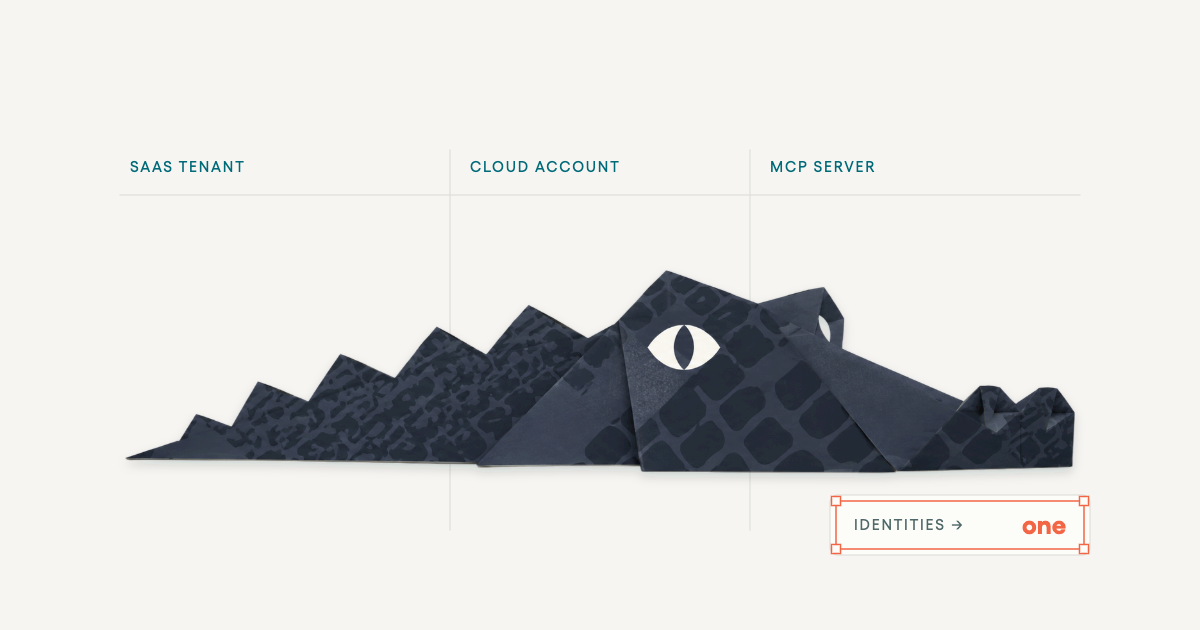
Picture one agent deployed in a SaaS tenant, a cloud account and an MCP server. A naive inventory shows three rows.
Each row carries its own owner, or none, and a partial permission set. No row shows what the agent can reach in total.
That total is the figure you need, because the agent's risk is the sum of every footprint. Three partial views understate it every time.
Correlate the rows into one identity.
Once correlated, one owner answers for the agent, and effective permissions add up across every deployment.
Oak correlates one agent deployed in several places into one identity, so the owner and effective permissions on the row reflect the whole agent.
Keep the inventory current with continuous discovery
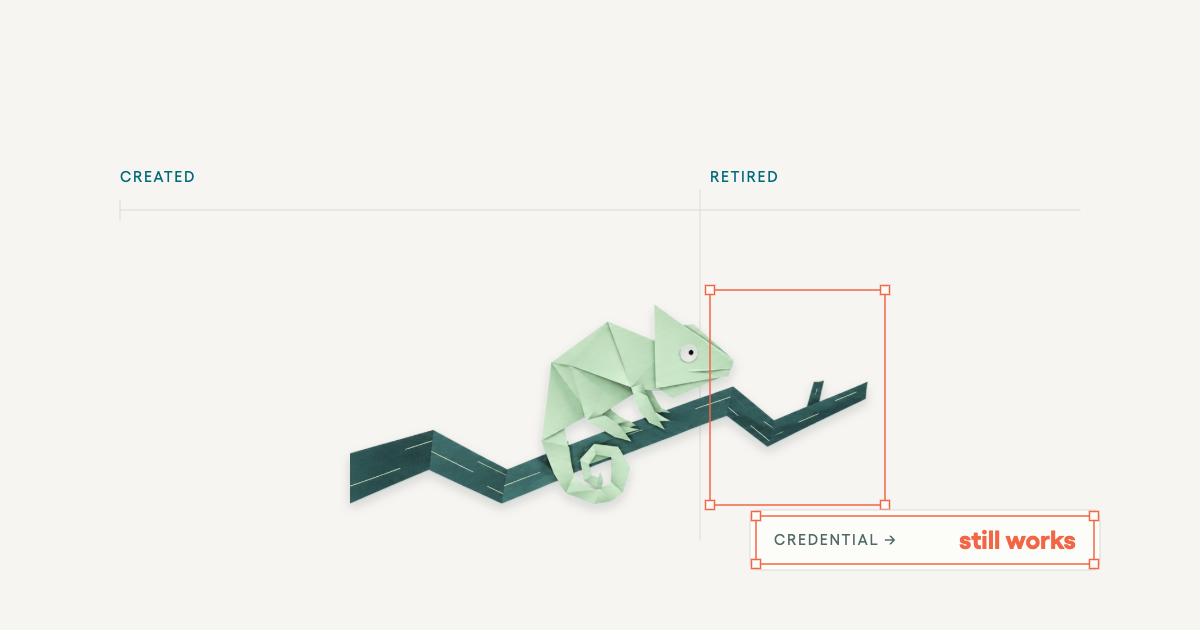
A one-time survey goes stale the day you finish it. Teams create agents, grants change and owners leave.
Continuous discovery treats the inventory as a live view of the identity layer, refreshed as surfaces change. You stop rebuilding a document before each audit.
Frameworks expect this. NIST AI RMF Govern 1.6 reads: "Mechanisms are in place to inventory AI systems and are resourced according to organizational risk priorities."
Discovery is half the job, and review is the other half. The model that fits agents is one where each agent runs continuous reviews driven by its own risk profile, not a fixed calendar.
In that model, access is checked against actual usage, and excessive permissions are removed at the source. A high-risk agent with admin rights on sensitive data gets closer attention than a read-only helper.
Oak remediates from the source the moment an identity deviates.
How to inventory AI agents beside your IGA
The platform's AI agent governance discovers SaaS, homegrown, shadow and custom agents. It maps each to an accountable human owner, effective permissions and tool usage, and records who each agent acts on behalf of.
It continuously correlates what every identity can access with what it actually uses, then routes risk-prioritized decisions to the right reviewers.
Agents sit on the same graph as everything else you certify. Every identity needs certifying: service accounts, contractors, RPA bots, and AI agents, each tied to an accountable human owner.
Already running an IGA? Oak connects to the IGA you already run and covers what it cannot reach, including the agents outside its view.
Your existing campaigns keep running. Agent rows simply join the graph your reviewers already work from.
Conclusion
Once you know how to inventory AI agents as identities, you hold a defensible answer to the two questions boards and auditors ask: which agents exist, and what can each reach.
For a CISO, that answer turns agent risk into owned rows with a clear reviewer. For an IAM lead, it brings agents into the governance program you already run.
Oak offers a free white-glove implementation program for qualifying large enterprises.
Get a demo to see your agents mapped to accountable owners on Oak's live graph.
Frequently asked questions
Who should own the AI agent inventory?
The identity team is a strong owner for the AI agent inventory, with one named lead accountable for it. Platform and AI teams supply context, but the list belongs with the people who already certify access. Each row still carries its own accountable owner. In Oak, agents sit on the same graph your IAM team governs. Inventory ownership follows your existing identity program instead of a separate AI project.
How is an AI agent inventory different from a model inventory?
An AI agent inventory differs from a model inventory in what each row describes. A model inventory tracks models, training data and vendors, which suits model risk work. An agent inventory tracks identities: what each agent can reach, who it acts for and who answers for it. You often need both, kept separate. Oak covers the agent side, treating each agent as an identity on one live graph.
How do you inventory shadow AI agents without blocking teams?
You inventory shadow AI agents without blocking teams by discovering them from the identity surfaces they already use, then assigning ownership after the fact. Gating agent creation behind a form can push builders further out of view. Discovery lets teams keep shipping while you catch up. Oak discovers shadow agents alongside sanctioned ones and maps each to an accountable human owner, so governance starts with ownership rather than a shutdown.
How often should an AI agent inventory be reviewed?
An AI agent inventory should be reviewed continuously, with each agent's own risk profile setting how closely it is watched. Specific events should also prompt a fresh look: a new tool grant, a new deployment or an owner leaving. Joiner-mover-leaver (JML) events trigger event-driven micro-certifications. An owner's departure is one of them. Oak checks each agent's access against actual usage, so reviewers see what changed.
What happens to an AI agent's inventory record when it is retired?
When an AI agent is retired, its inventory record should stay, marked retired, while its credentials, tokens and grants are revoked. Keeping the record preserves evidence of who owned it and what it could reach. Retirement can fail when one forgotten deployment keeps running. Because Oak correlates every deployment of an agent into one identity, retirement shows you every place its access must be removed.
Discover related posts